
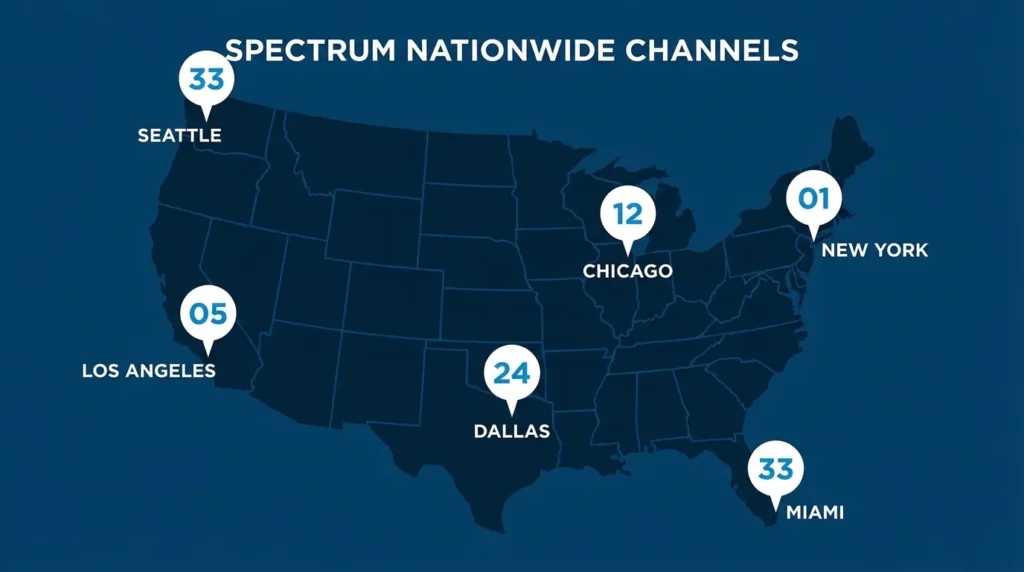
Discovery Channel does not have one fixed number on Spectrum. The channel varies by city, ZIP code, and whether your plan carries the SD or HD feed. There is no single national number — and that’s the reason most people can’t find it.
The fastest fix: go to spectrum.com/channel-lineup, enter your ZIP code, and search “Discovery.” It takes about 30 seconds and gives you the exact number for your address. Everything else in this guide builds from there.
Discovery Channel Numbers on Spectrum by City
Here are confirmed channel positions across major U.S. markets. Numbers can shift when Spectrum updates its local lineups, so treat these as a starting reference — not a guarantee.
| City | SD Channel | HD Channel |
|---|---|---|
| New York, NY (Manhattan) | 66 | — |
| Albany, NY | 37 | — |
| Buffalo, NY | 14 | — |
| Los Angeles, CA | 31–73 (varies by area) | 102 |
| San Diego, CA | 44 | — |
| Dallas, TX | 46 | 102 |
| Austin, TX | 34 | — |
| Charlotte, NC | 26 | 330 |
| St. Louis, MO | 49 | 102 |
| Cleveland / Cincinnati, OH | 130 | 1130 |
| Louisville, KY | 38 | — |
| Chicago, IL | 32 | varies |
HD feeds often sit on a separate higher-numbered channel. If you subscribe to an HD package, check both the SD and HD entries for your market.
How to Find Your Exact Number
Three ways to get the right answer in under a minute:
ZIP lookup: Head to spectrum.com/channel-lineup, enter your ZIP code, and search Discovery Channel. The result shows your current SD and HD assignments.
Spectrum TV App: Open the app, tap the channel guide, and search by name. It pulls your local lineup automatically based on your account.
Voice remote (Xumo Stream Box): Press and hold the mic button and say “Discovery Channel.” The box jumps straight to it — no number needed.
Which Spectrum Plans Include Discovery Channel?
Discovery is part of Spectrum’s standard cable tier. You don’t need a premium add-on to get it. Here’s how it breaks down across current plans:
| Plan | Channels | Starting Price | Live Discovery | discovery+ |
|---|---|---|---|---|
| TV Select Signature | 150+ | ~$100/mo | ✅ Yes | ✅ Included |
| TV Select Plus | 160+ | ~$110/mo | ✅ Yes | ✅ Included |
| TV Platinum | 230+ | Higher | ✅ Yes | ✅ Included |
| TV Stream | 85+ | ~$40/mo | ❌ No | ✅ Included |
TV Stream does not carry the live Discovery Channel. If you’re on this plan and want live access, you’ll need to upgrade to TV Select Signature or higher.
Not sure which plan makes the most sense for your budget and viewing habits? The streaming service comparison tool lets you stack plans side by side before you commit. For a broader look at what else Spectrum carries, the full Spectrum TV channels list covers every network by tier.
How to Watch Discovery Channel on Spectrum
Cable Box or TV Receiver
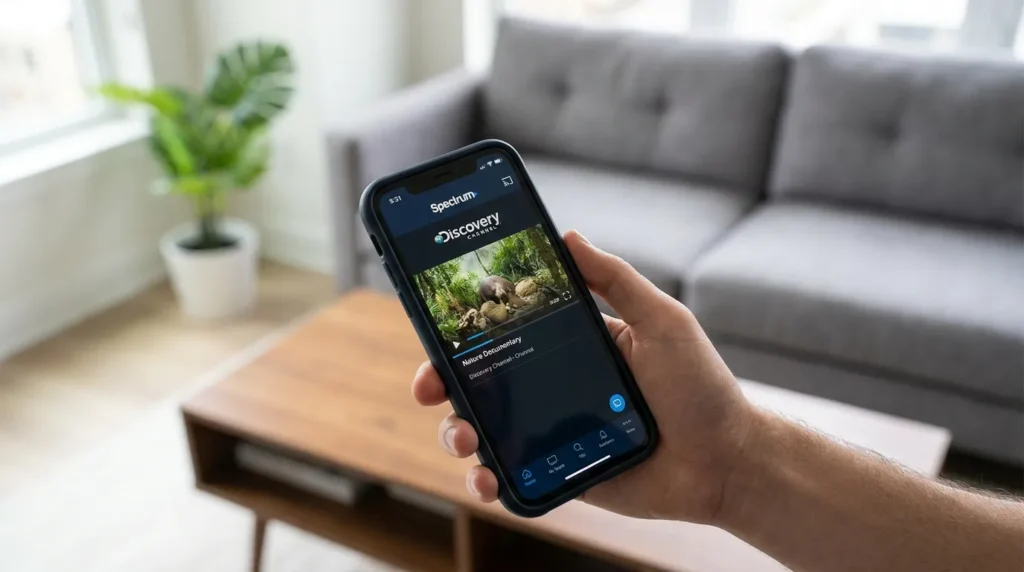
Tune to your local Discovery channel number using your Spectrum remote. Make sure your TV input is set to the HDMI port connected to your Spectrum box. If you’re unsure which input that is, press the Input or Source button on your TV remote and cycle through until the Spectrum menu appears.
Need to set up your remote from scratch? The Spectrum TV remote codes guide walks through programming steps for all major TV brands.
Spectrum TV App
Download the Spectrum TV App on iOS, Android, or a supported smart TV. Log in with your Spectrum account. You can watch Discovery live, or browse the On Demand library for past episodes and full seasons. Most plans allow app access both at home and away from home.
If the app stops loading or crashes on a Samsung TV specifically, this guide on Spectrum app not working on Samsung TV covers the most common fixes.
Xumo Stream Box, Roku, or Apple TV
If you’re using a Spectrum-compatible device, install the Spectrum TV App from that device’s app store. Sign in with your account. Discovery streams in HD on all three platforms.
Voice Remote Shortcut
Press and hold the microphone button on your Xumo Stream Box remote. Say “Discovery Channel.” It tunes instantly. This works even if you’ve forgotten the channel number or your lineup recently changed.
discovery+ — Free with Qualifying Plans
Every Spectrum TV Select Signature, TV Select Plus, and TV Platinum plan includes discovery+ at no extra cost. This is a separate on-demand streaming service — not the same as the live cable channel — but it carries a much larger library. Shows from HGTV, Food Network, TLC, ID, and original discovery+ series are all in there.
To activate it, log in to your Spectrum account, go to the streaming apps section, find discovery+, and follow the activation steps. You’ll create or link a discovery+ login during setup.
The discovery+ channel and show list breaks down everything the service includes if you want to know before activating.
Discovery Channel Not Showing? Fix It Fast
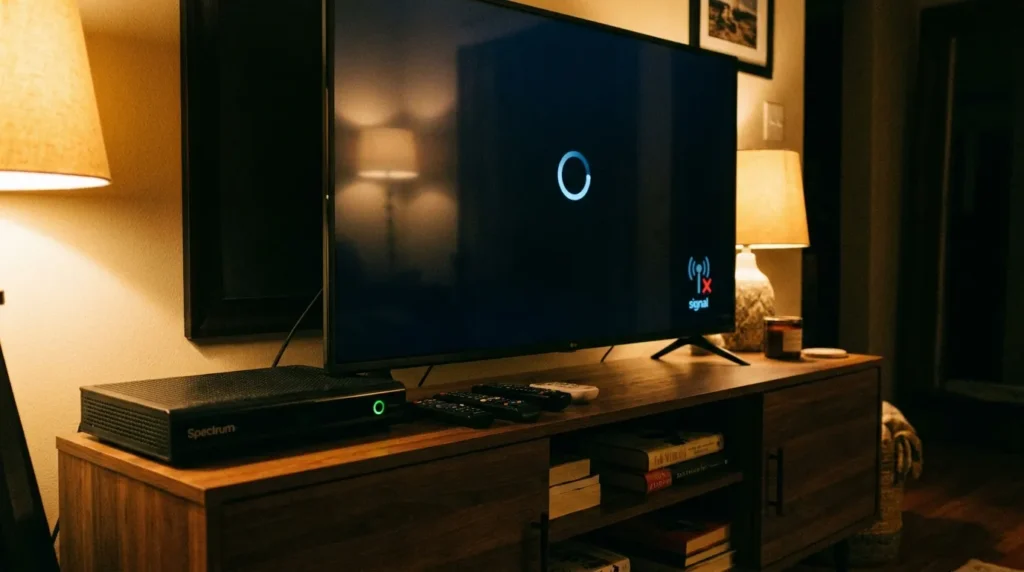
Work through these steps in order before calling support.
Step 1 — Refresh your equipment. Unplug your Spectrum cable box from the wall. Wait 30 seconds. Plug it back in and give it 2–3 minutes to restart. You can also log in to your Spectrum account and select “Refresh Equipment” under the TV tab — same result, no unplugging required.
Step 2 — Check for outages. Go to spectrum.com/outage and enter your address. If there’s a service disruption in your area, it shows here. Outages can knock out specific channels or entire signal feeds without warning.
Step 3 — Confirm Discovery is in your plan. If you recently changed plans, downgraded, or were transferred to a legacy tier, Discovery may no longer be included. Log in to your Spectrum account and check your current package. TV Stream subscribers won’t see live Discovery.
Step 4 — Check if the channel number changed. Spectrum reassigns channel positions in specific markets from time to time. If Discovery used to be on a certain number and is now blank, it may have moved. Use the ZIP lookup tool at spectrum.com/channel-lineup or say “Discovery” into your voice remote to find the updated position.
If none of these work, contact Spectrum support at 1-833-267-6094.
What’s on Discovery Channel Right Now?
Discovery’s current lineup blends survival, adventure, and real-world documentary programming. These are the shows drawing the biggest audiences in 2026:
Gold Rush — Mining crews push into remote Alaskan and Yukon wilderness chasing gold before winter shuts them down. One of Discovery’s most-watched franchises for over 15 seasons.
Deadliest Catch — Commercial crab fishermen work the Bering Sea through brutal conditions. Real risks, real stakes. The show has run for 20+ seasons.
Naked and Afraid — Two strangers dropped into extreme environments for 21 days with no clothing, food, or tools provided. One of the more intense survival formats on cable.
Expedition Unknown — Host Josh Gates investigates archaeological mysteries and lost historical sites around the world.
Ghost Adventures — Zak Bagans and his crew investigate reportedly haunted locations. Running since 2008, it’s one of Discovery’s longest-running paranormal series.
Shark Week — Airs every summer, usually in July or August. A full week of shark science, documentaries, and specials. Discovery has run it every year since 1988.
Frequently Asked Questions
Is Discovery Channel free with Spectrum?
It’s included in TV Select Signature and higher — no extra charge on top of your plan fee. It’s not a premium add-on.
Why does my neighbor have a different Discovery channel number?
Spectrum uses ZIP-code-based lineups. Channel assignments vary by local market and franchise agreement. Two addresses in the same city can legitimately have different numbers.
Can I watch Discovery without a cable box?
Yes. The Spectrum TV App streams Discovery live and on demand on phones, tablets, and smart TVs. An active Spectrum TV account is required to log in.
Does TV Stream include live Discovery Channel?
No. TV Stream is Spectrum’s lower-cost streaming-only plan at around $40 per month. It does not carry live Discovery. You can access discovery+ content through the app, but not the live cable feed.
What if Discovery vanished from my lineup?
Refresh your box, check spectrum.com/outage for service issues, and verify your current plan. If Discovery moved to a new channel number in your market, the ZIP lookup tool or voice remote will find it.
Is discovery+ the same thing as Discovery Channel?
No. Discovery Channel is the live cable network. discovery+ is a separate on-demand app with a bigger content library. Both are included with qualifying Spectrum cable plans at no extra cost.
Looking for other channels on Spectrum? These guides cover similar ground: what channel is Food Network on Spectrum, what channel is AMC on Spectrum, and what channel is Fox News on Spectrum.